
How to connect
Connect to GamersCentral
Join our server. Create an account, download the client and custom launcher, and start playing.
Create Account
Register for a new account. Join GamersCentral and start your adventure.
Create Account
Download Client
Head to our download section and download the necessary Battle.net Client for the retail World of Warcraft game. For second and 3rd realm no download provided at the time.
Download Client
Download Custom Launcher
Head to our download section and download, if necessary, the Custom Server Game Launcher. Follow up the instructions in it's readme file.
Download Launcher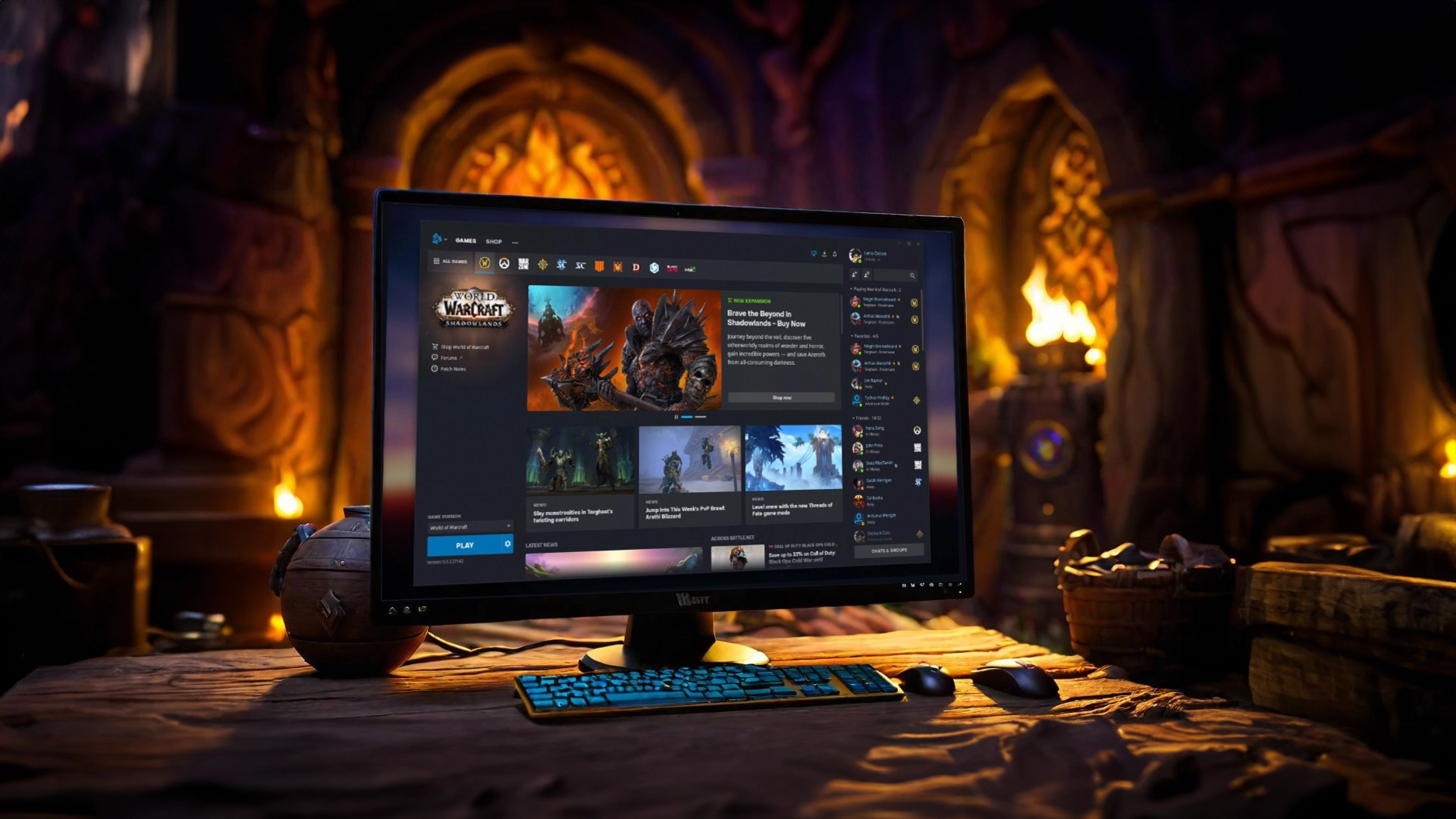
Run Client
Run the Battle.net client. Update and manage your game for a smooth gaming experience.
Update Patches
Make sure your game is up to date. Enjoy the best gaming experience with GamersCentral.
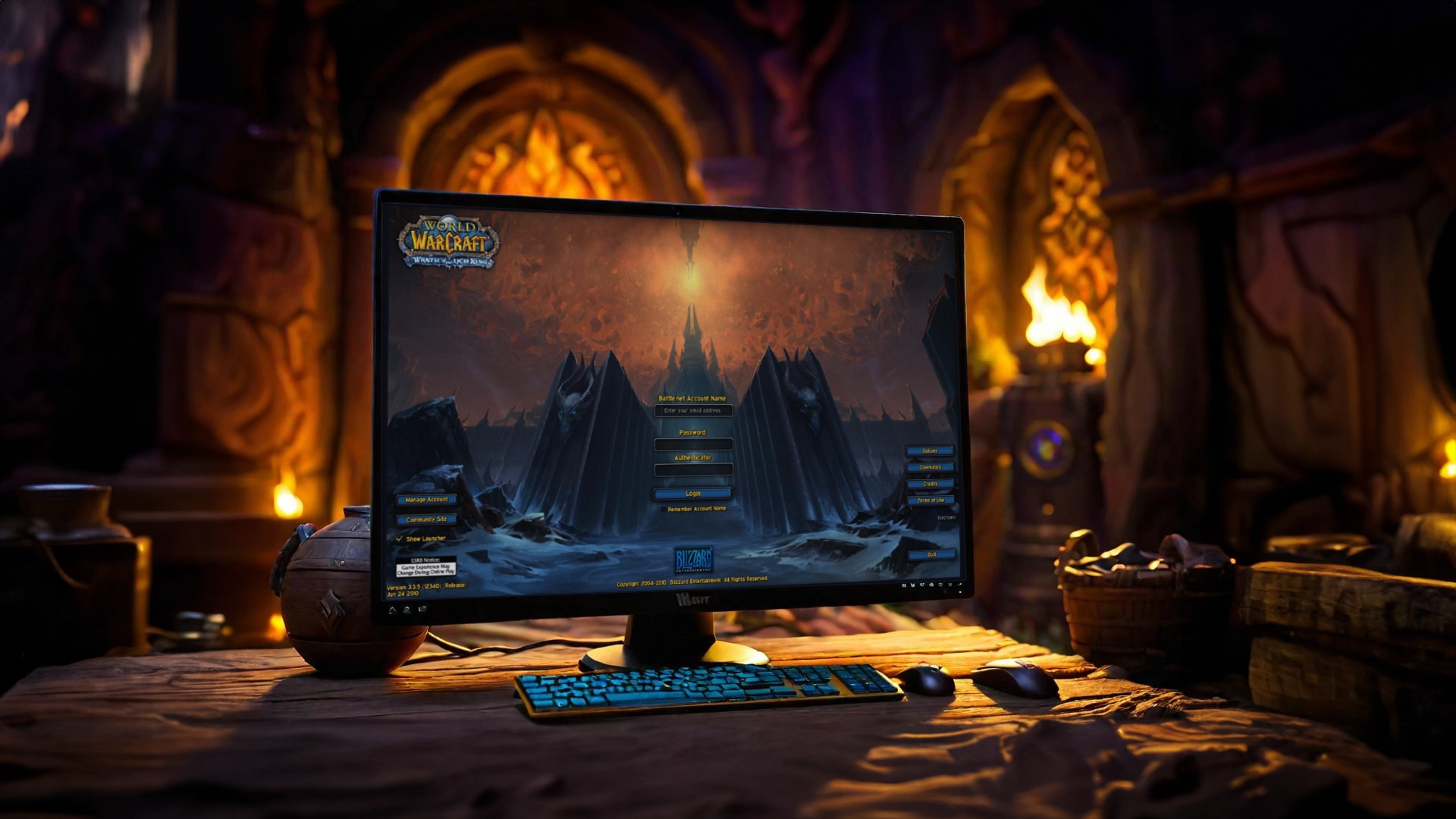
Change Realmlist
Search for Config.wtf in your World of Warcraft folder, can't find it? Then open the game once. Open it and set "SET PORTAL" to ours. You will find it below.
Run Custom Server Game Launcher
Launch the game with the Custom Server Game Launcher. Start your journey and experience the epic GamersCentral community.
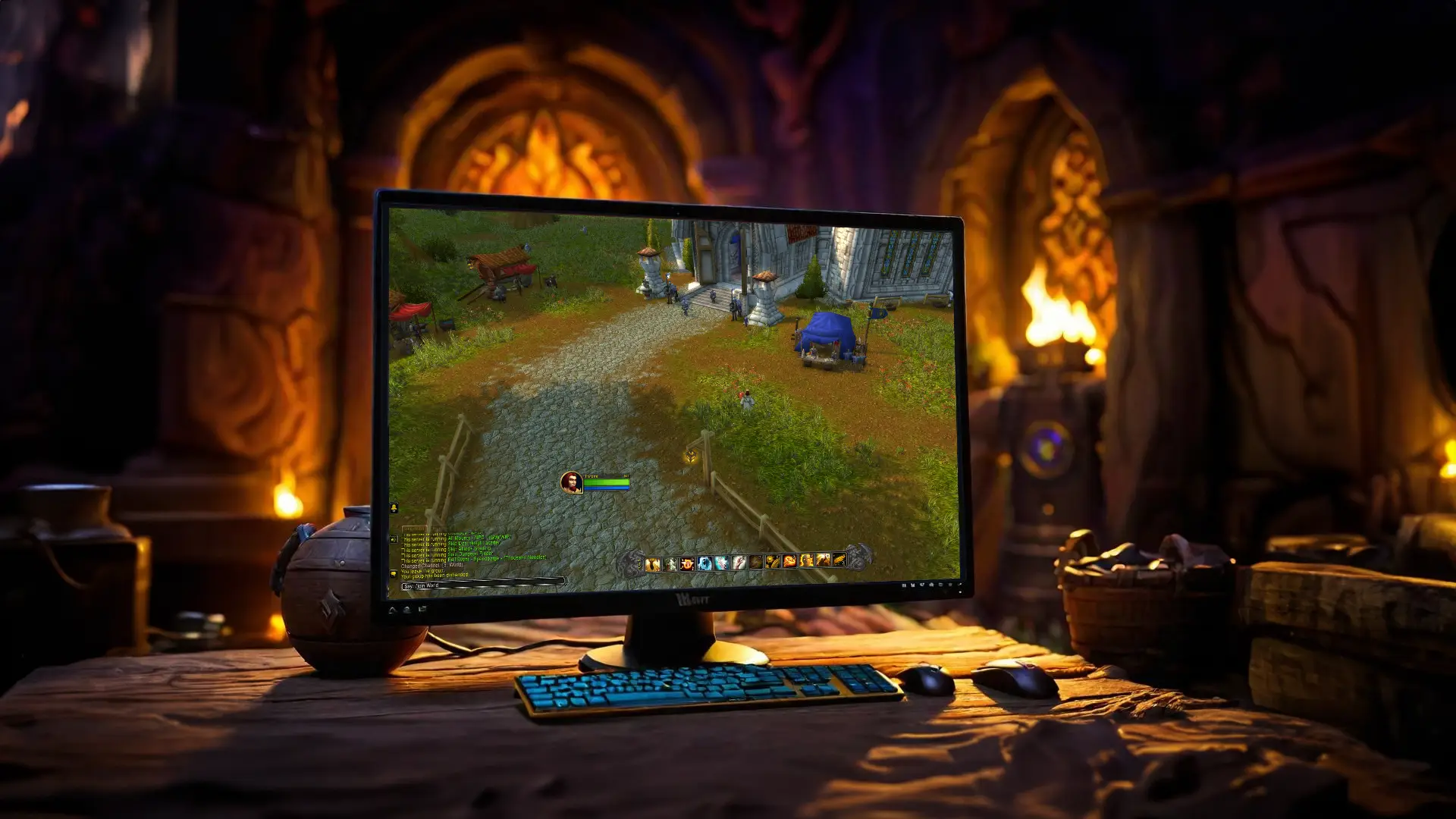
Join: World Channel
Join the World Channel with /join World and chat with other players.
Realmlist:
SET portal "LOGON.GAMERSCENTRAL.DE"